
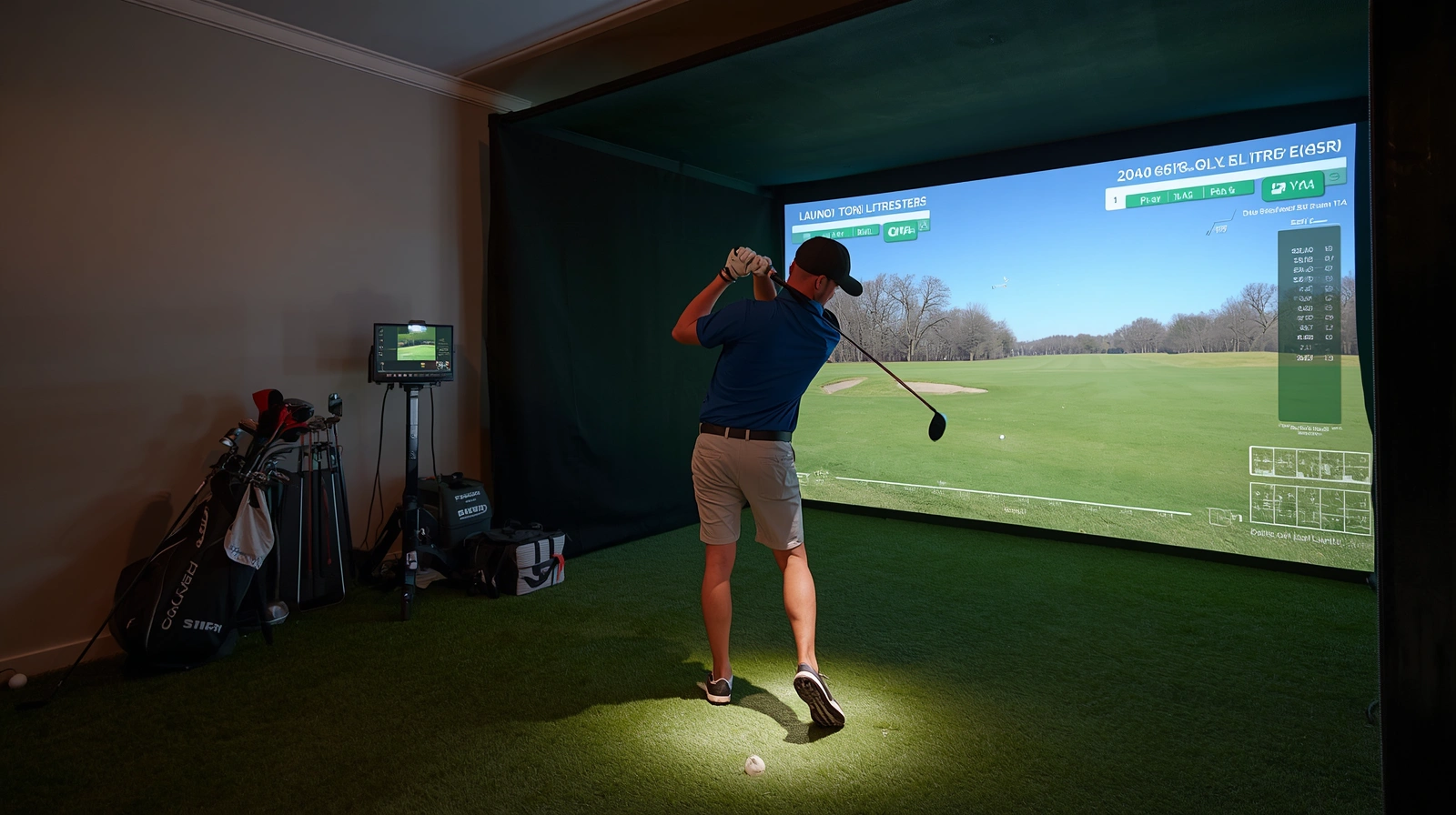
Golf practice does not always require a trip to the driving range. With a home simulator, you can work on your swing, track your shots, and enjoy virtual courses without leaving your house. It is a convenient option when bad weather or a busy schedule makes outdoor practice difficult.
Home Golf Practice offers a flexible way to develop consistency and understand your performance. Modern simulators combine tracking technology with interactive software to recreate essential aspects of golf. Whether you are a beginner or an experienced player, the right setup can make practice more accessible and enjoyable.
Understanding Home Golf Simulators
Imagine practicing your favorite shots without worrying about weather conditions or driving to a golf course. Home golf simulators make this possible by combining sensors, software, and a dedicated hitting area. Understanding how these systems work helps you choose equipment that suits your needs.
Indoor simulators provide instant feedback that can make practice more focused. Golfers increasingly practice at home because they can train on their own schedules and review performance data after every shot. With the right equipment, even a small dedicated space can support meaningful improvement.
How Indoor Golf Simulators Work
Indoor golf simulators use cameras, radar, or optical sensors to measure ball movement and, depending on the system, club movement. The software processes these readings to estimate metrics such as ball speed, launch angle, spin, and distance. Players can then review their results and identify areas that need attention.
Essential Components for Home Setup
A typical setup includes a launch monitor, hitting mat, protective net or impact screen, and compatible software. Some golfers add a projector to display virtual courses on a large screen, while others use a television or computer monitor. Before installing everything, ensure the equipment fits your room and allows safe, comfortable swings.
Benefits of Practicing Golf Indoors
Indoor practice saves travel time and allows golfers to train regardless of outdoor weather. Players can repeat challenging shots, compare results, and work on specific skills without waiting for a turn at the range. Interactive games and virtual courses can also make regular sessions more enjoyable.
Setting Up a Home Golf Simulator
Choosing a simulator involves more than comparing technical specifications. Your available space, equipment preferences, and budget all influence which setup will work best. Planning these details beforehand can help you avoid unnecessary purchases and create a practical practice environment.
Measuring Room Size and Ceiling Height
Measure your room’s length, width, and ceiling height before buying equipment. You need enough clearance to swing your longest club comfortably, position the launch monitor correctly, and stand at a suitable distance from the screen. Test your swing safely and follow the manufacturer’s recommendations for spacing.
Choosing Screens, Sensors, and Software
Choose a launch monitor based on the measurements you want to track and the space available. Different systems offer different levels of accuracy, portability, and compatibility with simulation software. Check supported devices and features before purchasing a projector, impact screen, or subscription.
Matching Equipment to Your Budget
Basic setups may include a hitting mat, practice net, and entry-level launch monitor, while premium systems offer larger screens and more detailed analytics. Start with equipment that supports your main training goals instead of paying for features you may rarely use. Professional guidance can also help you understand which measurements matter most for your game.
Improving Skills Through Indoor Practice
A simulator becomes more valuable when you use it with a clear purpose. Rather than hitting balls without a plan, focus on specific skills and review your performance throughout each session. Consistent practice can help you recognize patterns and make more informed adjustments.
Using Data for Golf Swing Training
Golf Swing Training becomes more productive when you understand how shot data relates to your technique. Tracking ball speed, launch direction, and shot dispersion can help you evaluate consistency across multiple attempts. Golf instructor Brian Phelps has highlighted the value of video feedback with the phrase, The camera doesn’t lie, emphasizing how visual evidence can reveal differences between perceived and actual swing mechanics.
Building Consistent Home Golf Practice Routines
Create a regular schedule that fits your daily routine and gives each session a clear objective. Start with a warm-up, focus on one or two skills, and finish by reviewing your results. Recording key measurements over time helps you identify progress without overreacting to individual shots.
Understanding Indoor Practice Limitations
Although simulators provide useful feedback, they cannot fully recreate outdoor conditions such as wind, uneven lies, and the pressure of playing on a real course. Some systems also estimate certain measurements, so results can vary depending on the technology used. Combine indoor sessions with outdoor practice to develop skills that transfer more effectively to actual play.
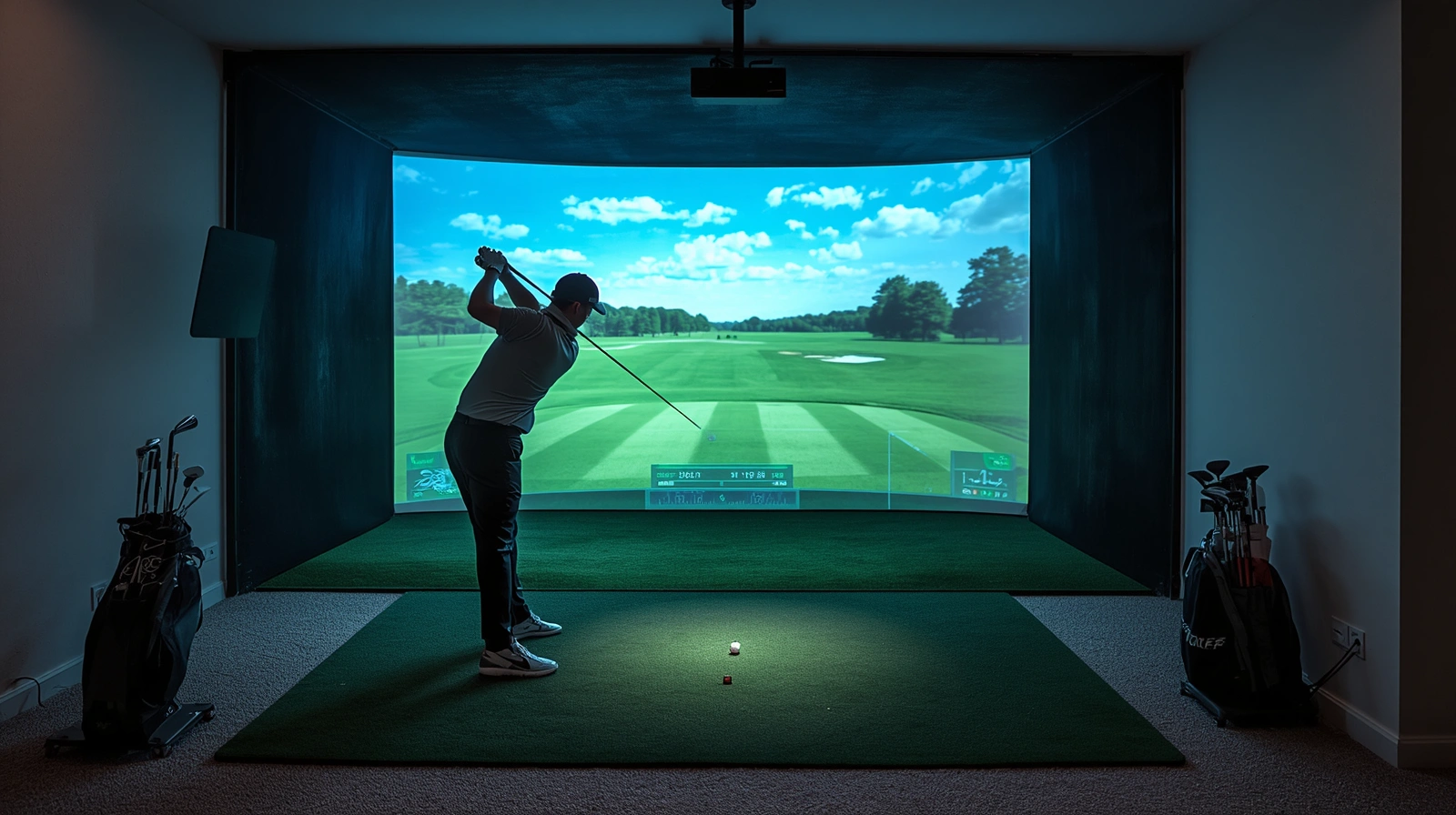
Plan Your Simulator Setup and Practice Smarter
The right home simulator can make golf practice more convenient, structured, and enjoyable. By choosing equipment that fits your space and using performance data thoughtfully, you can build a routine that supports steady progress. Start planning your indoor golf setup and make every practice session count.